

Управление строительствомGRAPHISOFT Italia#GRAPHISOFT Italia#Software#BIM, CAD and rendering#Renders, textures, lighting design#Graphic animations
GRAPHISOFT Italia ARTLANTIS
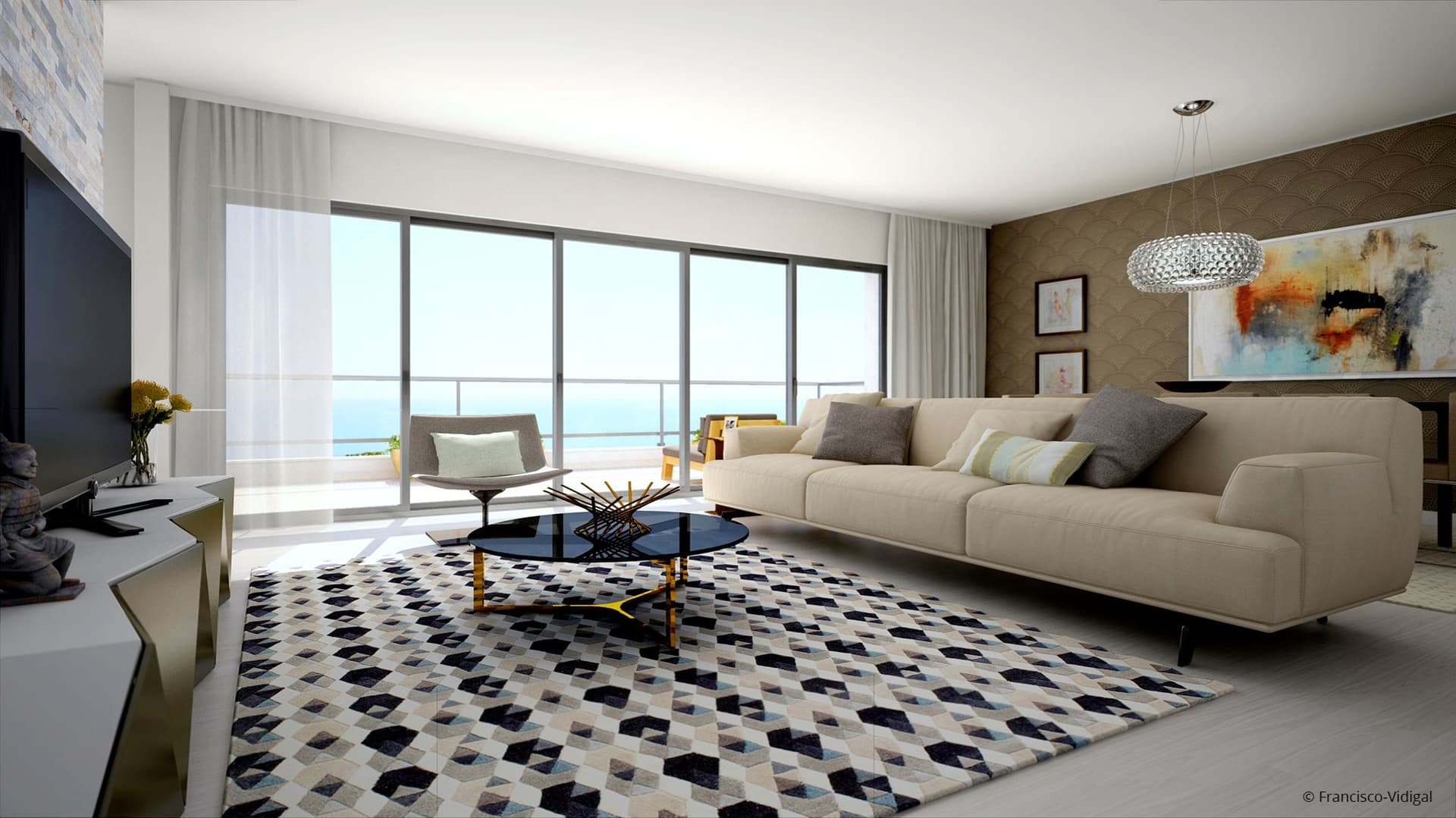
ARTLANTIS is the fastest stand-alone rendering application developed specifically for architects and designers. Available in two main versions, ARTLANTIS offers a product line adapted to different needs and practices. ARTLANTIS Render is designed more for those looking for high quality renderings (architects, interior designers, town planners, landscape architects, exhibition organisers, exhibitors, etc.). ARTLANTIS Studio, on the other hand, is the ideal tool for anyone who wants high resolution rendering not only for images but also for iVisit 3D Panoramas, iVisit 3D Objects and animations.
Artlantis
Artlantis is the fastest stand-alone rendering application developed specifically for architects and designers. Available in two main versions, ARTLANTIS offers a product line adapted to different needs and practices. ARTLANTIS Render is designed more for those looking for high-quality renderings (architects, interior designers, town planners, landscapers, exhibition organisers, exhibitors, etc.). ARTLANTIS Studio, on the other hand, is the ideal tool for anyone wanting high resolution rendering not only for images but also for iVisit 3D Panoramas, iVisit 3D Objects and animations. A recognised leader in real-time preview technology, ARTLANTIS is the rendering software used by architects, designers and urban design professionals in more than 80 countries.
Thematic collections of materials, parametric textures and 3D objects, available in the ARTLANTIS In-App Media Store, enrich the innovative product line of the ARTLANTIS family. Designed specifically for ARTLANTIS by industry partners and independent designers, ARTLANTIS Media allows users to quickly and easily simulate real scenes in a realistic environment.
Interoperability with ARCHICAD
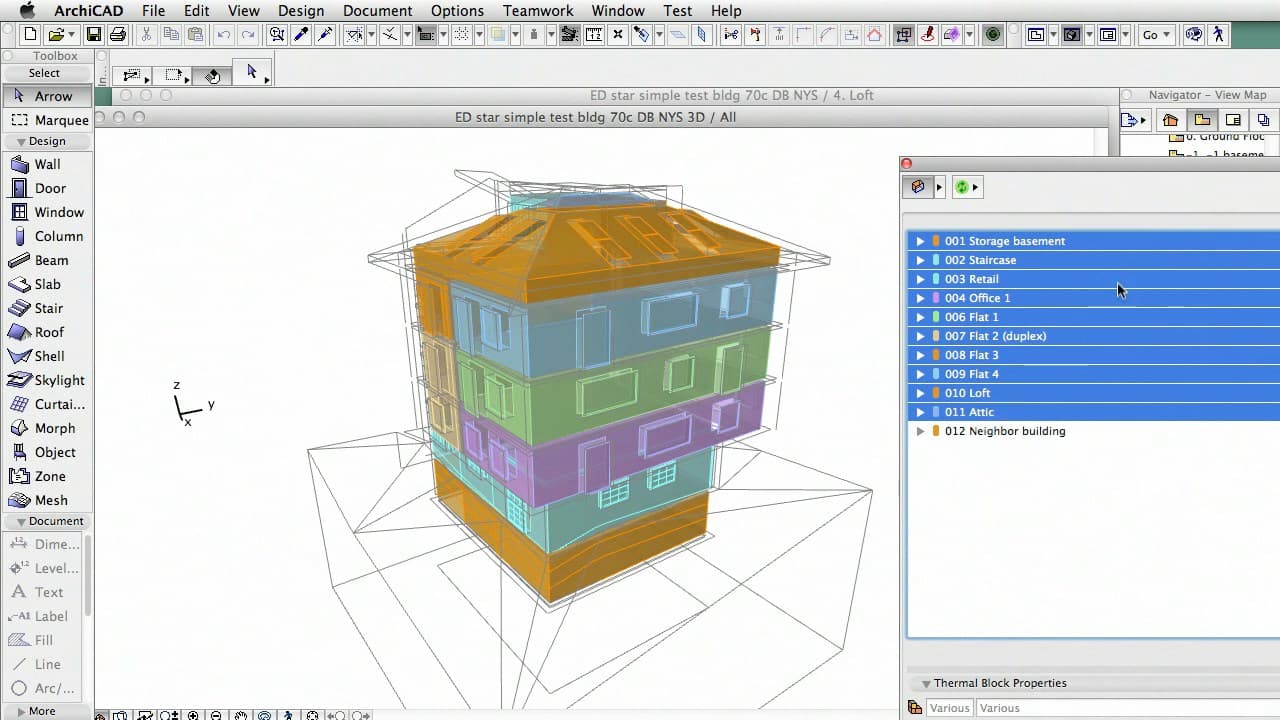
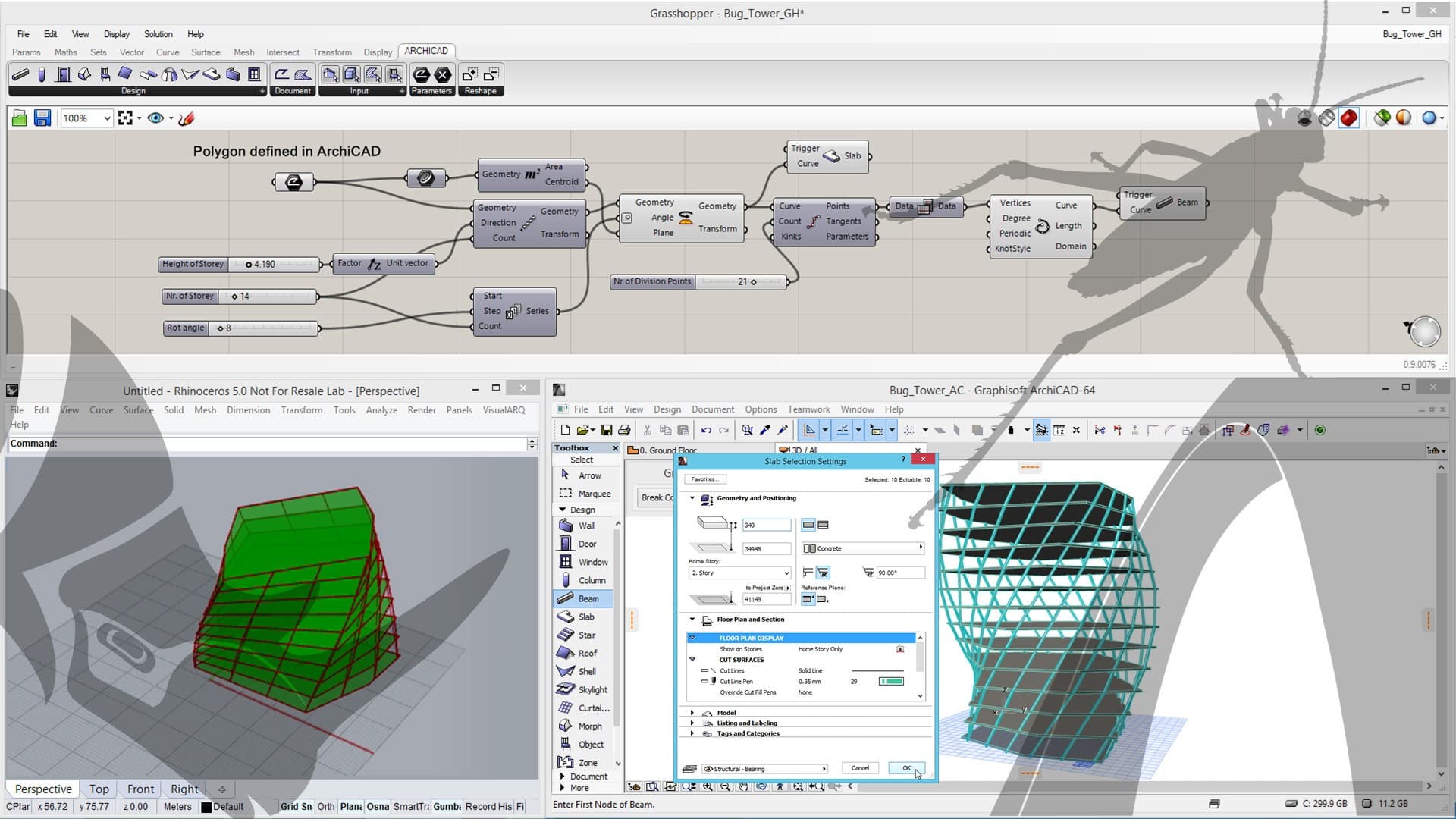
ARCHICAD exports the model in the ARTLANTIS file format via dedicated plug-ins. It is possible to transfer geometries, textures, perspective cameras, suns, lights and transparencies. The plug-in offers the possibility to update your second ARTLANTIS file and take settings from the first file in case you need to change something in the ARCHICAD model. The ARTLANTIS export plug-in is installed by default in ARCHICAD. You can read more about the plug-in and the tutorial here.
Export plug-in updates available for download
Generally, ARTLANTIS export plug-ins are installed by default. New versions and updated plug-ins are available for download and must be installed separately. The following add-ons support and automatically recognise English, French, German, Italian, Spanish, Russian, Japanese and Greek. If you install it on another system language, it will work in English. The installer will however work in English on any operating system, regardless of regional settings and language. Please visit the download site to download the installer.
System Requirements
Minimum Configuration
Processor: Intel® i3 4Core 2GHz
RAM: 8 Gb
Operating System: Mac OS X 10.8.5 - Windows 7 (64 bit)
Graphics Card: 1 Gb* - OpenGL
Screen Resolution: 1280 x 800 pixels
Recommended Configuration
Processor: Intel® Corei7 4+Cores
RAM: 16 Gb
Operating System: Mac OS X 10.10 - Windows 7,8.1, 10 (64 bit)
Graphics Card: 2 Gb* - OpenGL
Screen Resolution: 1920 x 1080 pixels
Internet Connection
* Integrated Graphics Cards are not recommended
0
0